Getting Started
Section Purpose:
This documentation aims to help new users get started with the system. It contains basic information about navigation and system functions to enable effective use of available tools.
Logging into the System
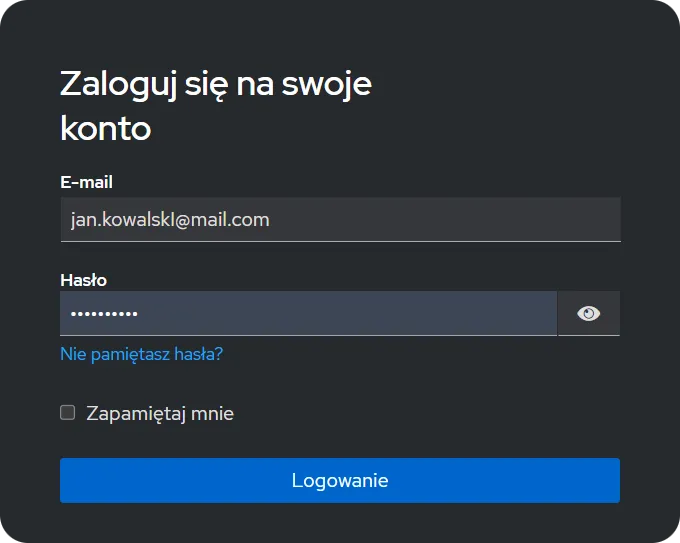
Section titled “Logging into the System”After launching the application, you will be redirected to the login page. Enter your credentials to access the system.
Selecting Organizational Structure
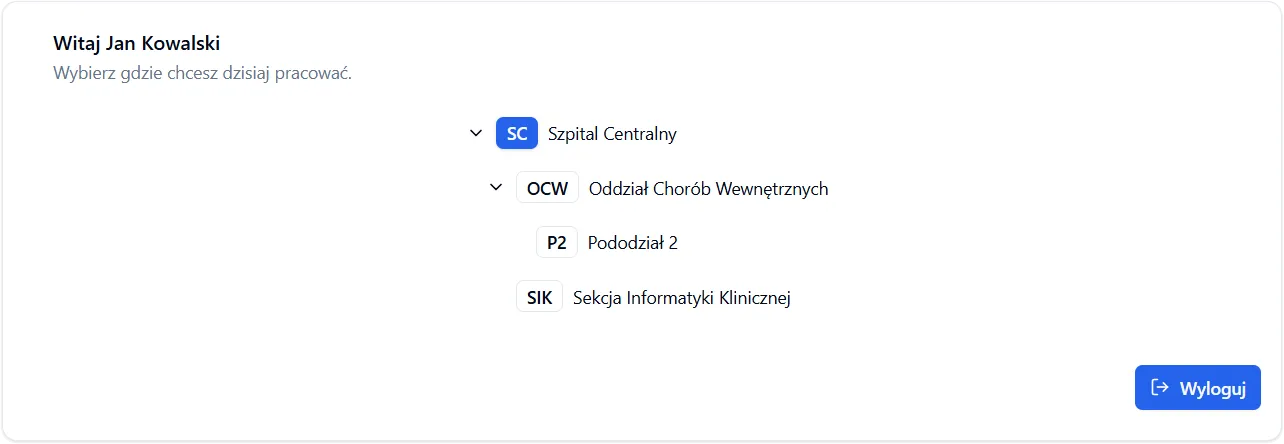
Section titled “Selecting Organizational Structure”After logging in, a screen showing available units will appear. Select one of the available organizational structures to continue working in the system.
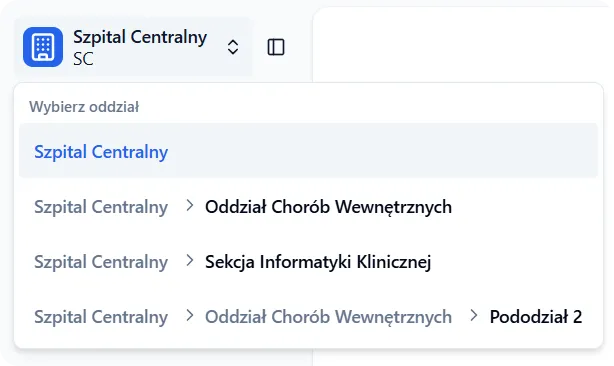
After selection, you will be redirected to the main application view. In the upper left corner of the screen, above the navigation menu, the currently selected organizational structure will be visible.
User Account
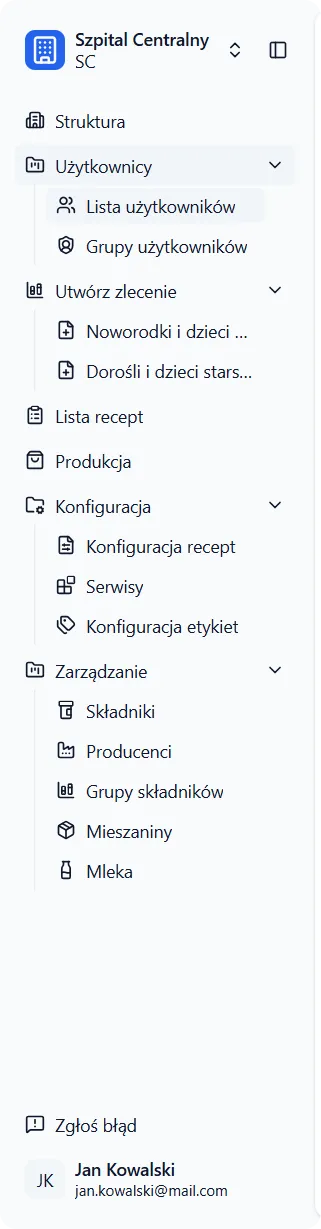
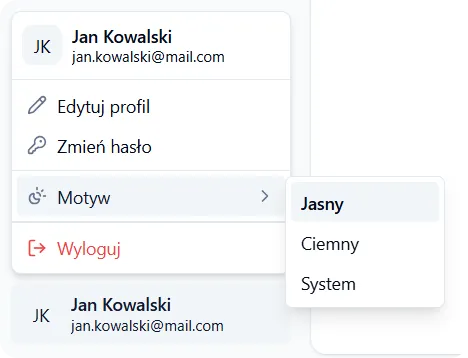
Section titled “User Account”In the lower left corner of the screen is the user account icon. Click on it to access account settings, change password, or log out of the system.
Navigation Menu
Section titled “Navigation Menu”Below is the navigation menu with all available views in the application. Access to them depends on your permissions.